One of the biggest shifts in my trading came from understanding how price actually moves. Most traders think the market is random or driven by technical analysis. In reality, price is constantly moving between pockets of liquidity, and once you start seeing that, everything becomes a lot clearer.
Liquidity is simply where orders are sitting. That usually means stop losses. Above highs you have buy-side liquidity and below lows you have sell-side liquidity. When price moves into those areas, it’s not by accident. The market is going there to trigger those orders and fill larger positions. That’s why you’ll often see price run a high or low, only to reverse right after. It’s not manipulation in the way people think; it’s just how orders get filled efficiently.
Displacement is a strong, aggressive move in one direction, usually leaving behind an imbalance like a fair value gap. That move is important because it shows a shift in control. After liquidity is taken, displacement is what confirms that the market is now moving with intention, not just ranging or reacting. If there’s no real displacement, there’s usually no real move to trade.
Inducement: This is where the market creates a setup that looks obvious, pulls traders in early, and then reverses to take them out before moving in the intended direction. It’s one of the most common ways traders get frustrated, because they’re technically “right” on direction, but wrong on timing. Understanding inducement helps you stay patient and avoid entering too early.
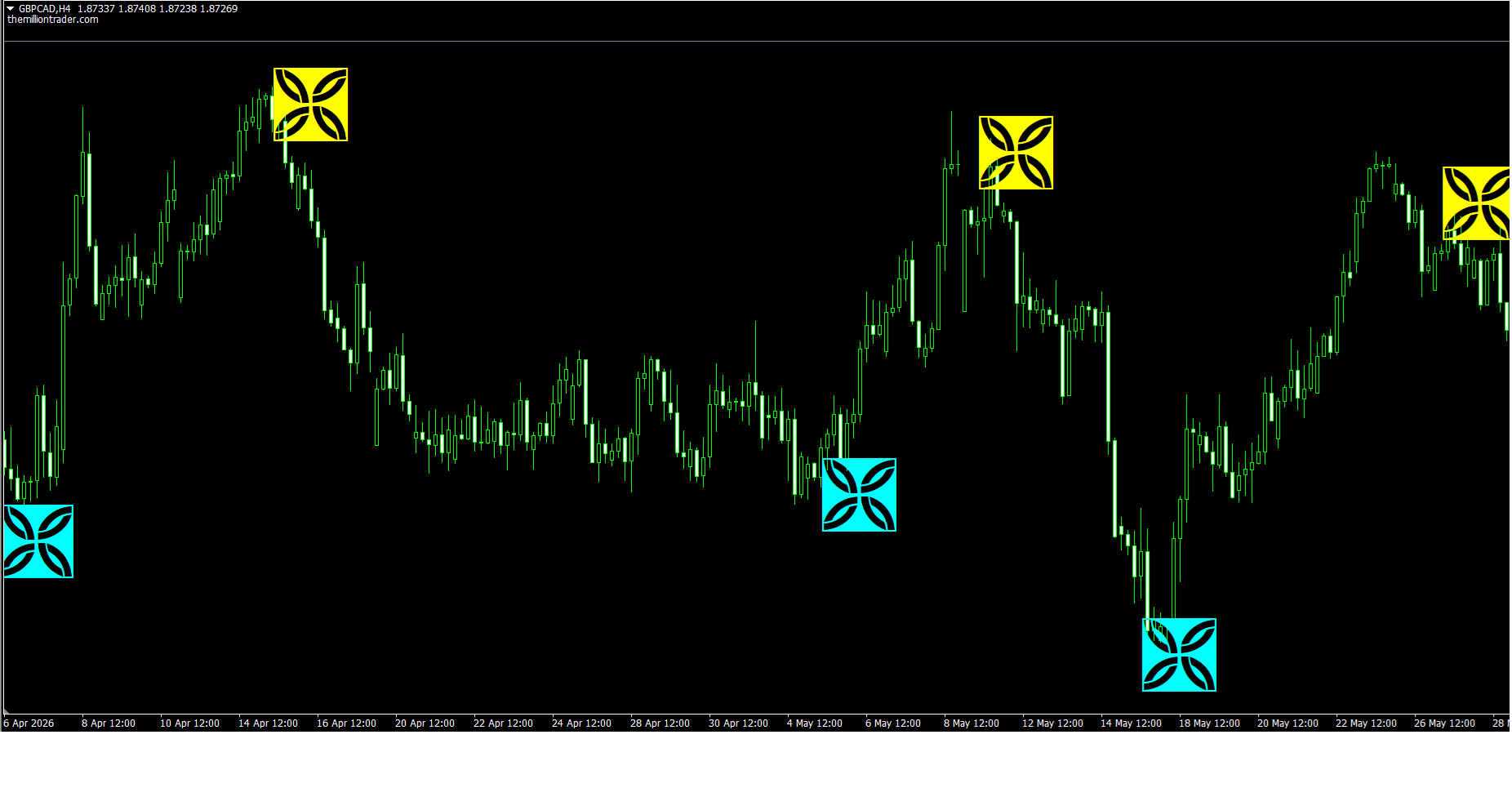
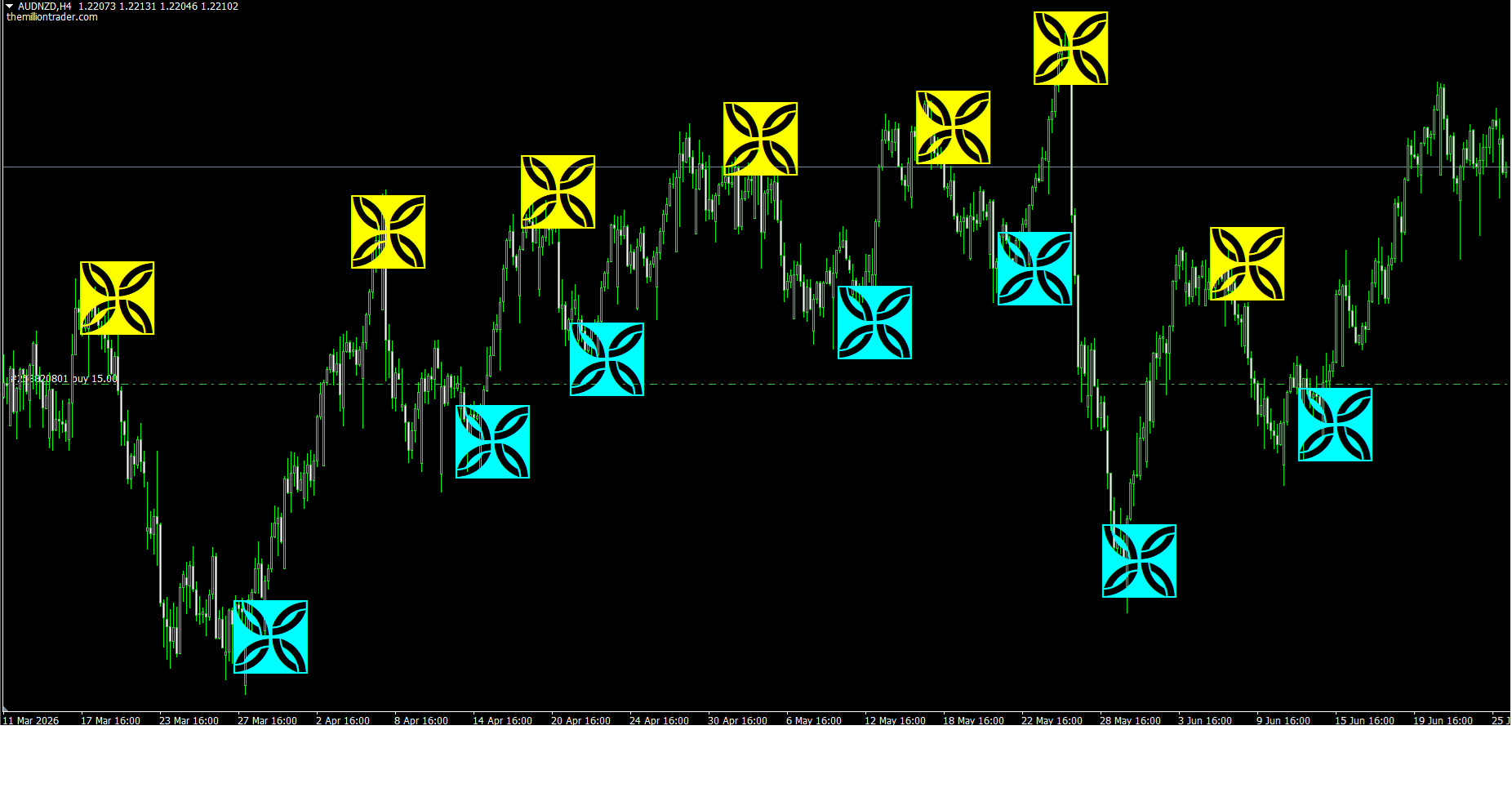
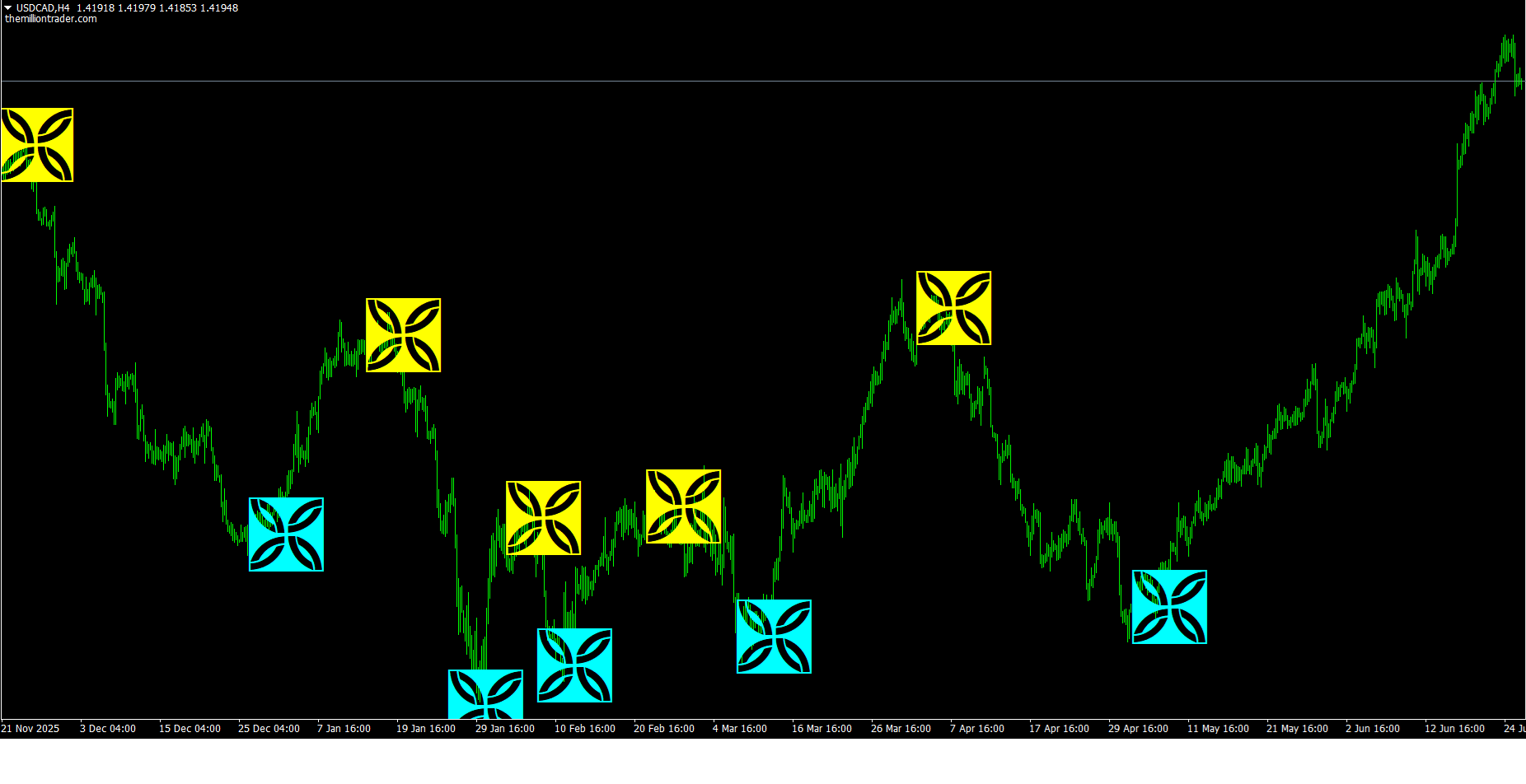
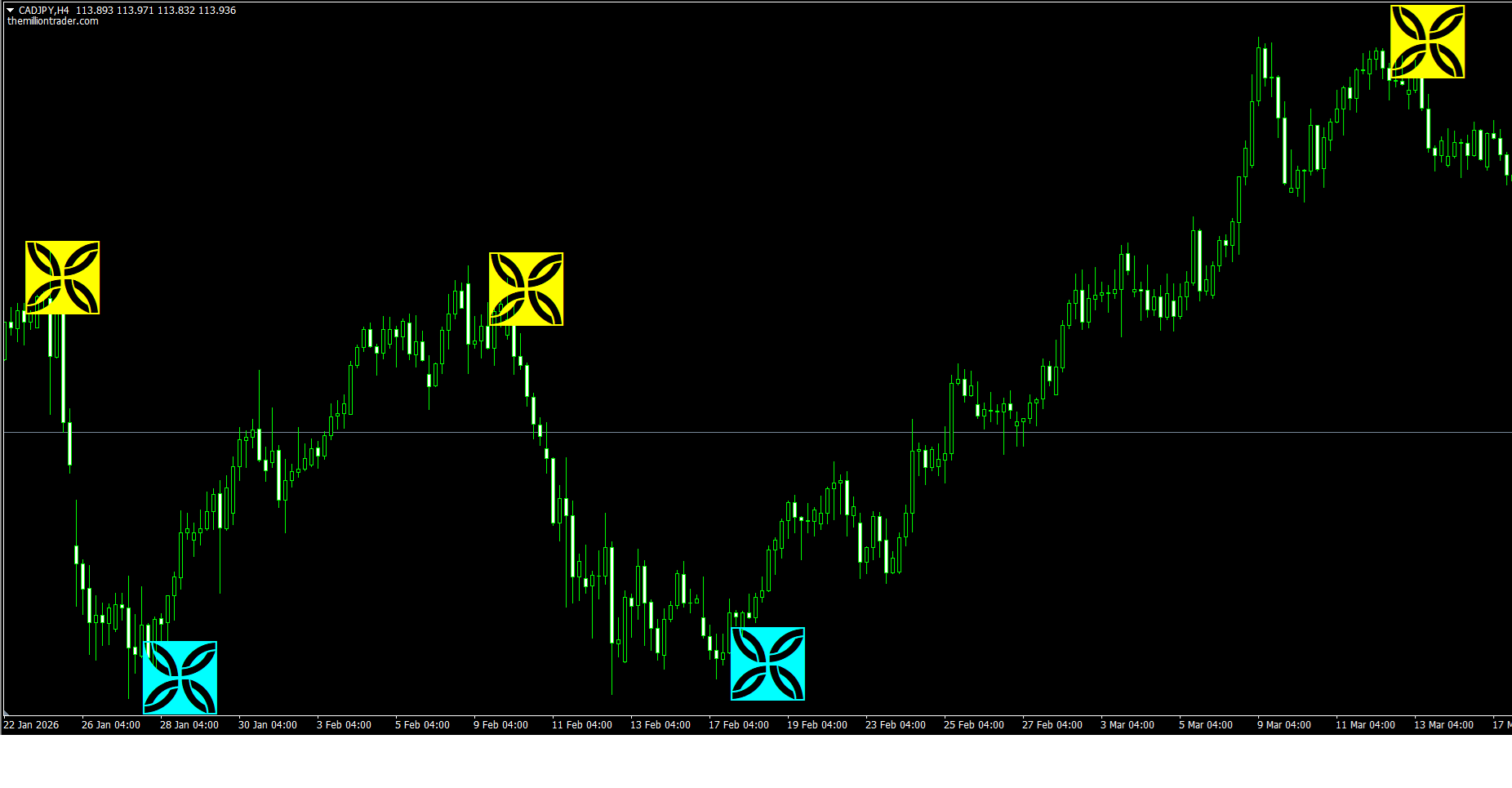
We have combined these ideas into the Liquidity Sweep Indicator. Probably the best indicator you’ll find out there. You can see where liquidity is sitting, if it has been taken and where is the price likely to move next. These lead to much better decisions.
This is the foundation behind a lot of high-probability setups, including the ones I trade every week.
What makes the Liquidity Sweep indicator stand out?
*The price increases every 20 purchases, the next price is $420
Purchase Terms
After payment, we will ask for the 4 MetaTrader4 account numbers (demo or real) you want the indicator coded to
If you have fewer than 4, you can add the remaining ones later.
Once we receive the account numbers, we will send you the indicator within 24 hours.
You can pay with ANY cryptocurrency and ANY chain.
To pay by card, you can use ChangeNOW buy crypto with a credit or debit card and enter the recipient wallet address provided during the payment process.
If you want to pay using credit/debit card via crypto through a direct fiat to crypto exchange, then please follow the steps from any one of the below methods whichever works best for you:
Method 1: Using changenow.io exchange
1.First, click on the below link and check the amount you are paying for crypto payment and it should be 325 USD and the crypto you will receive must be BTC Bitcoin. If both USD and BTC are correct, then click on BUY button:
https://changenow.io/?from=usd&to=btc&fiatMode=true
2.Next, a new page will appear. Now, carefully copy and paste our BTC Bitcoin Address to the field named as “Recipient Wallet”.
Our BTC address is:
bc1qk9x8pwy879d6z70nde53elc9nd
3.Next, select any one of the “payment offers” which allows to pay using credit/debit card and double check that you are buying BTC and then click on “Next” button.
4.Next, a new page will appear and select all the check boxes and click on “Confirm”.
5.After that please follow the further steps as guided by the website to complete the payment using your credit/debit card and steps may vary from country to country. It may ask you for some level of verification like ID verification and card verification to complete during the payment process before allowing you to complete the card payment through the “changenow” crypto exchange, however, if all your basic ID documents and credit/debit card are readily available with you, then the verification and payment both can be completed instantly within few minutes. If everything is successful and you complete the payment using your card, then you must get a success message at the end. Please send an email to us along with payment completion screenshot reflecting our crypto wallet address in the screenshot.
6.If after clicking on “Confirm” in step 4 and before completing the card payment, if you are facing any problem or error etc, then you can connect to the “Live Chat” support of “Changenow.io”. Click on the “Support” icon located at the bottom right corner of the page and then, type “Live Chat” and press “Enter” key. Then, “Live Chat” option will appear. Click on the “Live Chat” icon, fill the details and chat with the support representative to complete the card payment. Inform the representative that you are buying BTC using your card and you are having problem and then, their support will help you to complete the card payment.
7.If “Live Chat” option is not available, then you can also send them an email at their support or create a ticket at their helpdesk. Explain the details of your problem or error message during card payment and they will revert back to you with solution.
Method 2: Using changelly.com exchange
1. First, click on the below link:
2.Next, change the currency you are paying to “USD” and the crypto currency to receive to BTC bitcoin. Double check again that you are choosing BTC bitcoin.
3.Next, if both “USD” and “BTC” are correct, then type 325 in the USD field and it will automatically calculate the BTC amount.
4.Next, select any one of the payment offers which are available. By default, the first will be selected.
5.Next, copy our “BTC bitcoin” wallet address carefully and paste it inside “Wallet Address”.
Our BTC wallet address is:
bc1qk9x8pwy879d6z70nde53elc9nd
6.Next, select the checkbox to agree the terms and click on the “BUY…BTC”.
7.Next, click on “continue with email” and enter your email address correctly and click on “Continue”.
8.Next, you will receive the verification link to your email to verify your email address and click on that link. After that you should receive your login details for changelly.com in your email.
9.Next, follow the same steps from 1 to 6 and on step 7, instead of clicking on “Continue with email”, click on “log in” and login to your changelly.com account and proceed with further steps while you are logged in to your changelly account.
10.It may ask you for additional verification to complete like ID verification, card verification and phone number verification which can be completed instantly.
11.If you are facing any problem or error etc, then you can connect to the “Live Chat” support of Changelly.com. Click on the “chat” icon located at the bottom right corner of the page and inform the chat representative that you are trying to buy BTC using your card and also, explain the exact error message and transaction ID etc to the chat support representative and they will help you to complete the card payment.
12.If due to any reason the payment is not getting completed using the selected payment offer in step 4, then you can repeat the exact same steps and choose a different payment offer in step 4. There are multiple payment offers and so any one of them should work for you to complete the payment from your credit/debit card to our “BTC bitcoin” crypto wallet.
13.Finally, if everything is successful and payment is debited from your credit/debit card, then you must get a success message at the end along with our “BTC bitcoin” wallet address reflecting in it. Please take a screenshot of the message and send it to our mail themilliontrader@proton.me